Rules:
- Preserve Markdown structure.
- Do not translate URLs and code.
- Return only the translated content without additional commentary.
The 10th anniversary event of Aju Blog has been successfully completed.
This year, the number of participants was even more than I had expected. During the event, it was often seen that everyone was discussing clues and exchanging hints in the group, and many people successfully passed through all the levels and received the final reward. It’s quite satisfying to see that someone has seriously played through the things I have been working on for so long (planning started 2 years ago). Although there was AI assistance in the process.
If you haven’t played yet, I suggest you first take a look at the event original, which will directly disclose all the answers. Below is the complete plot, and there will be many knowledge contents that will颠覆 your cognition during the game process.
Overall Process
Defusing Expert → Click Entry → Adjust Black Image → Login and CAPTCHA → Fake Cloudflare Page → PDF Hidden ZIP → GalGame Dialogue Find Clues → Guess Number → Scan QR Code → Find Differences → Light and Dark Mode Albums → Puzzle → Safe Deposit Box.
Level 0: Defusing Expert
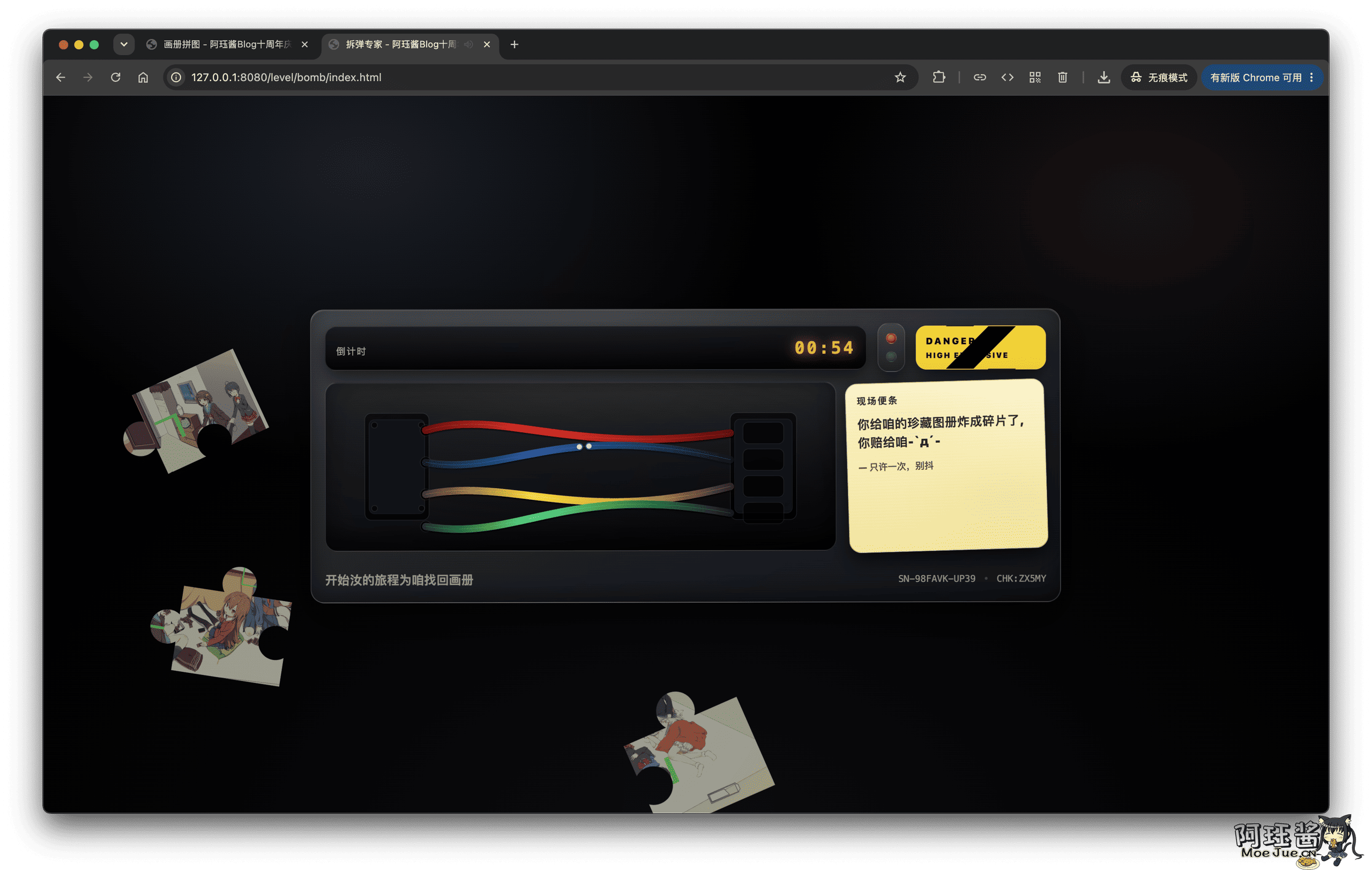
The first level is actually a small prelude. There are four lines of different colors and a countdown on the page, which looks like a serious judgment of which line can defuse the bomb.
But there is no correct answer here; cutting any line will cause an explosion. After the explosion, the page will prompt that the treasure album has been blown into pieces and collect the fragments.
So it’s not necessary to waste time on the four lines, just cut one to see the explosion effect.
Level 1: Event Welcome Entry

The official entry page of the event has a “Join Now” button in the middle, which is not a normal jump button but achieved through image hotspots. When you see the hand-shaped cursor on the image, click the corresponding position, and you will enter the next level. This level tests your observation skills and also uses the relatively old but still useful HTML image hotspot feature.
After clicking, the page will first turn black and then jump to a page that looks like it is stuck in loading. This black screen is not a loading failure; be patient and you will find the problem after a while.
Level 1.5: Black Screen Loading
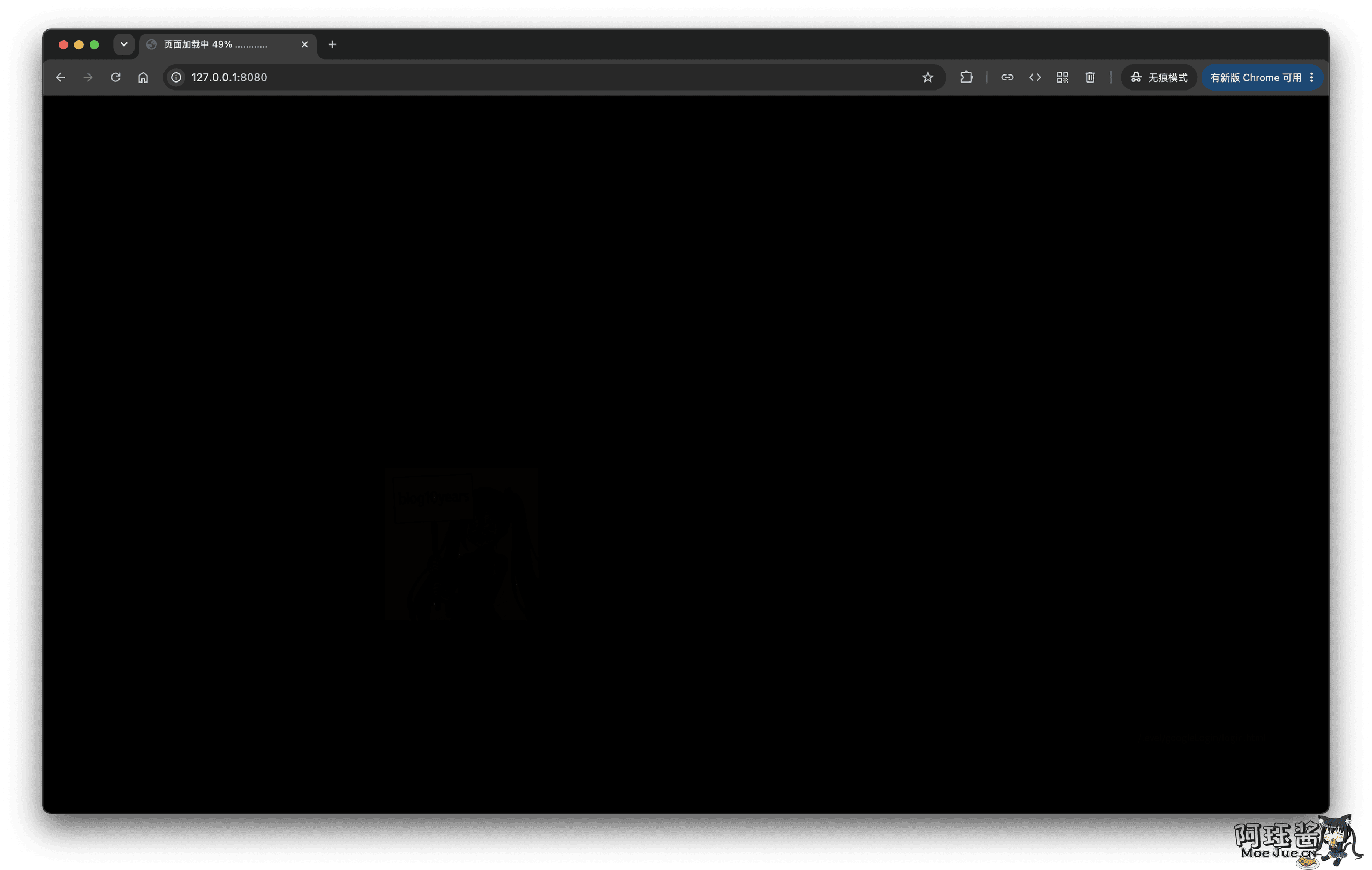
The page looks almost completely black. There is no need to view complex source code; just take a screenshot of the page and adjust the exposure, shadows, and contrast in a photo editing tool. The purpose is also very direct, just to test everyone’s ability to handle images, adjust exposure, and observe low-contrast information.
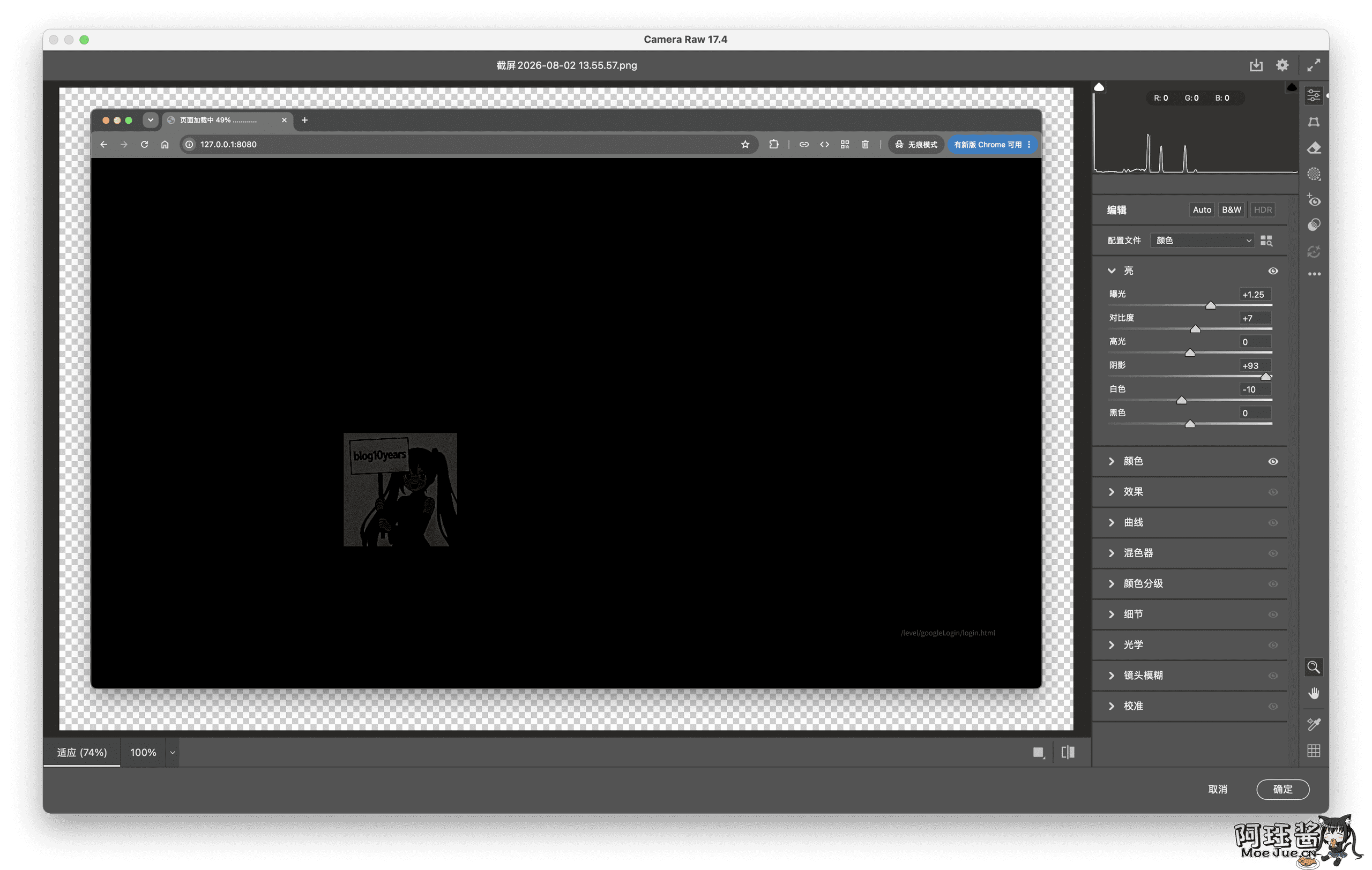
After adjusting the brightness, you can see two important pieces of information:
- Invitation Code:
blog10years - Next Level:
/level/googleLogin/login.html
Level 2: Login Page
The login page requires a username, password, and invitation code. You can fill in the username yourself, and the invitation code is the blog10years found in the previous level.
The real trouble is the password. Open the developer tools, and you can see the buildLoginHash function already defined on the page. Just call it:
buildLoginHash("Aju", "blog10years")
If the username is changed to something else, change the username in the function as well. Copy the HMAC-SHA256 string returned by the function as the password; there is no need to calculate it manually.
Before logging in, you also need to complete the CAPTCHA. Only after selecting the correct one can you truly log in.
This level mainly tests the habit of viewing source code and using developer tools. Although the password looks like a long string of encrypted text, the page has already put the generation method in front of you.
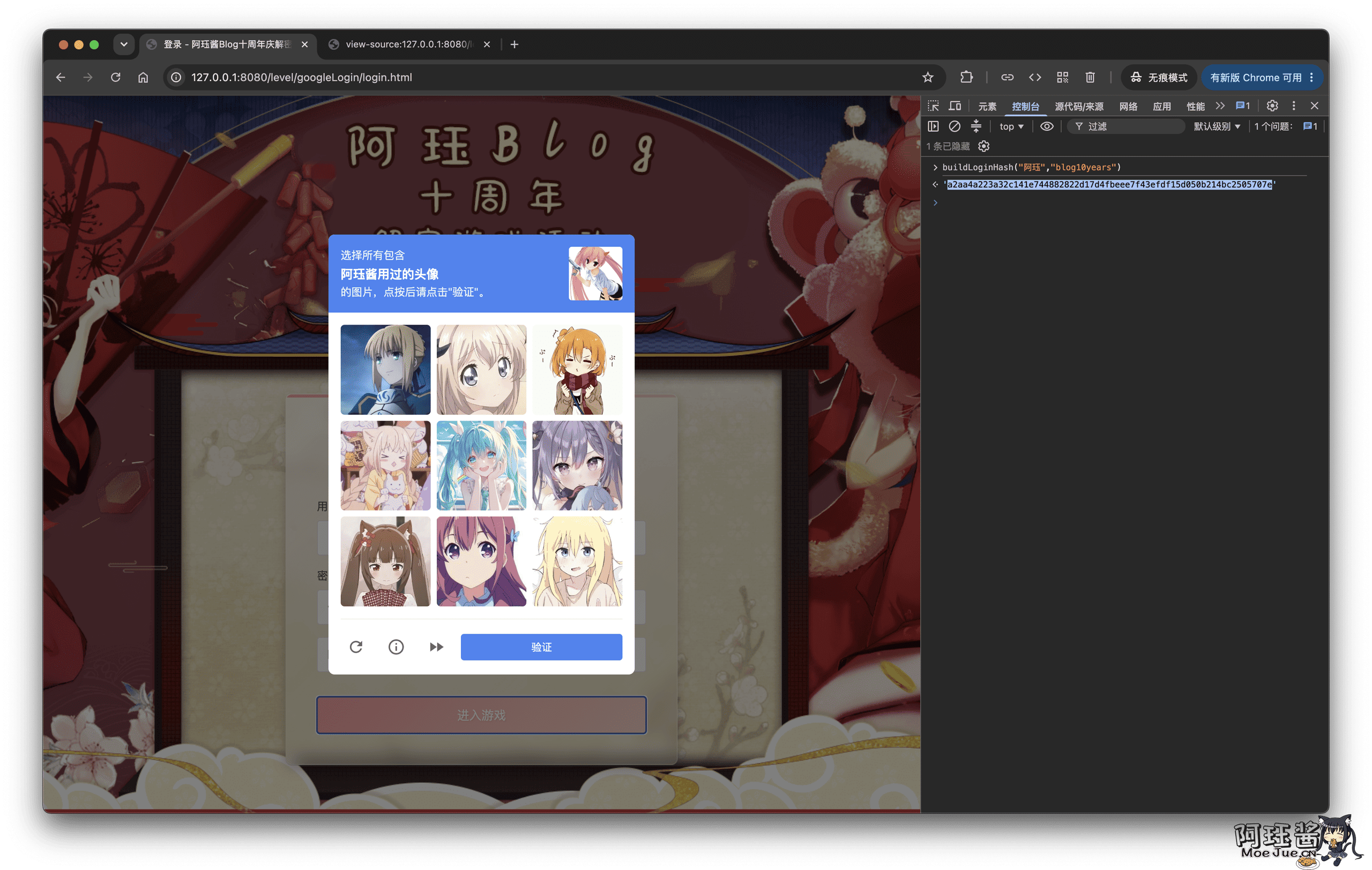
ps: The avatar Aju has used has been revealed multiple times over the past few years.
Here is also a dynamic clue that will be used later: when logging in, the browser fingerprint is generated, and two digits are saved from it. It will not be displayed directly as an answer, but it will participate in the final safe deposit box password.
ps: Later, it was simplified and directly followed with the URL jump
Level 2.5: Fake Cloudflare Error Page
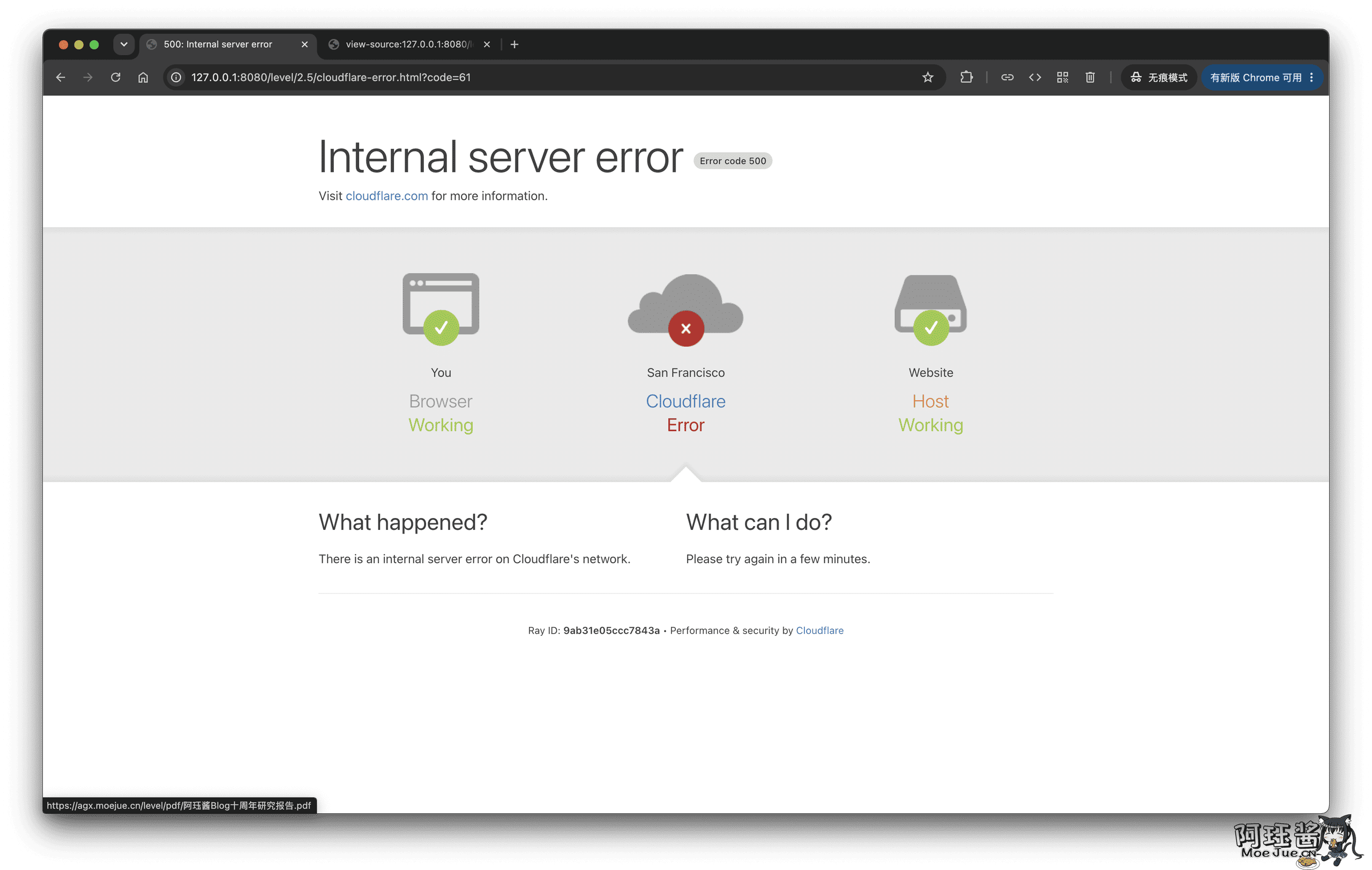
After logging in, you will enter a 500 error page that looks very much like Cloudflare. Many people close the page when they see an error page, but in fact, the only Host link in the page is the next clue.
Move the mouse over the Host, or directly view the source code, and you can see that it actually points to:
https://AGX.MoeJue.cn/level/pdf/AjuBlogTenYearResearchReport.pdf
This page itself is not broken; it is just deliberately wrapped in the appearance of an error page.
Level 3: Before Level 3: PDF Hidden ZIP
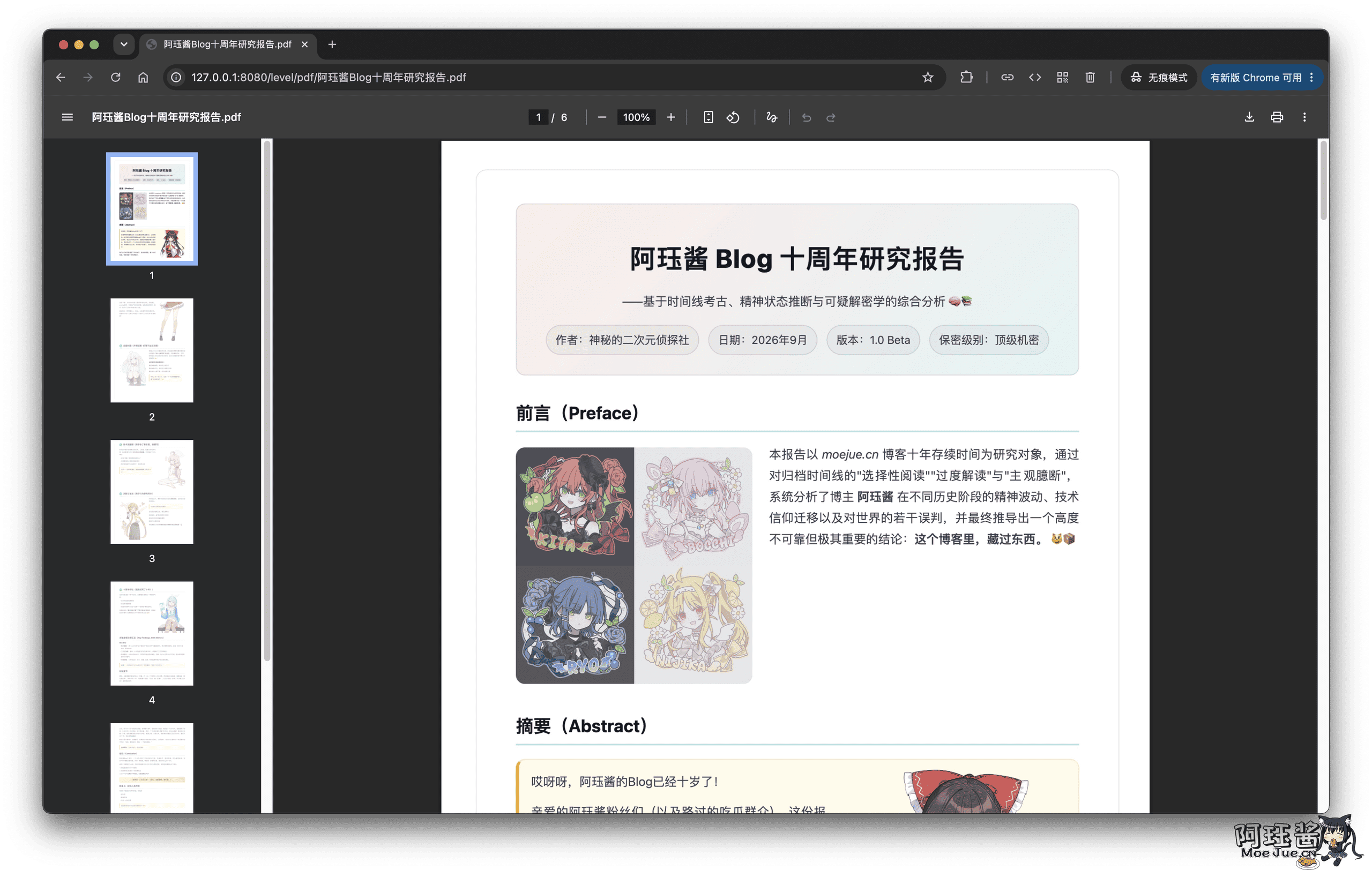
This file is actually a normal PDF appended with a ZIP compressed package, so it can be opened by a PDF reader and also recognized by compression software. This level tests your basic understanding of file formats and compressed packages, and is also a light-weight file forensics.
Try to open the PDF with 7-Zip, WinRAR, or the system’s built-in decompression tool, and you can see the hidden file behind it.
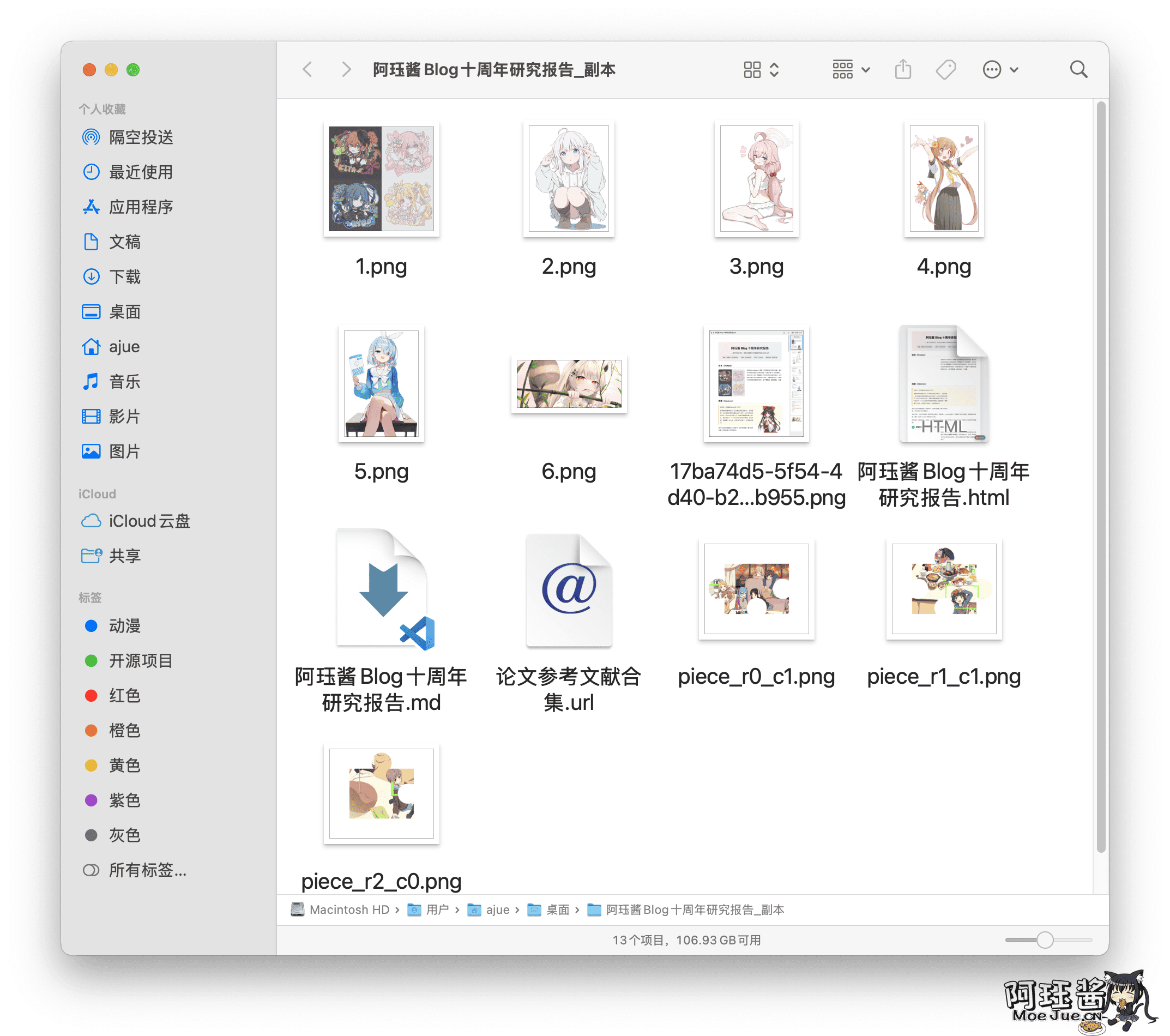
The compressed package contains several puzzle fragments and a URL shortcut. Open the .url file, and the address inside is:
https://agx.moejue.cn/level/three/start.html
This is the entry for the third level. The research report in the PDF is also deliberately written in a serious yet slightly humorous manner, and it already gives a hint like “If you don’t suspect this PDF, it is a real PDF.”
Level 3: GalGame
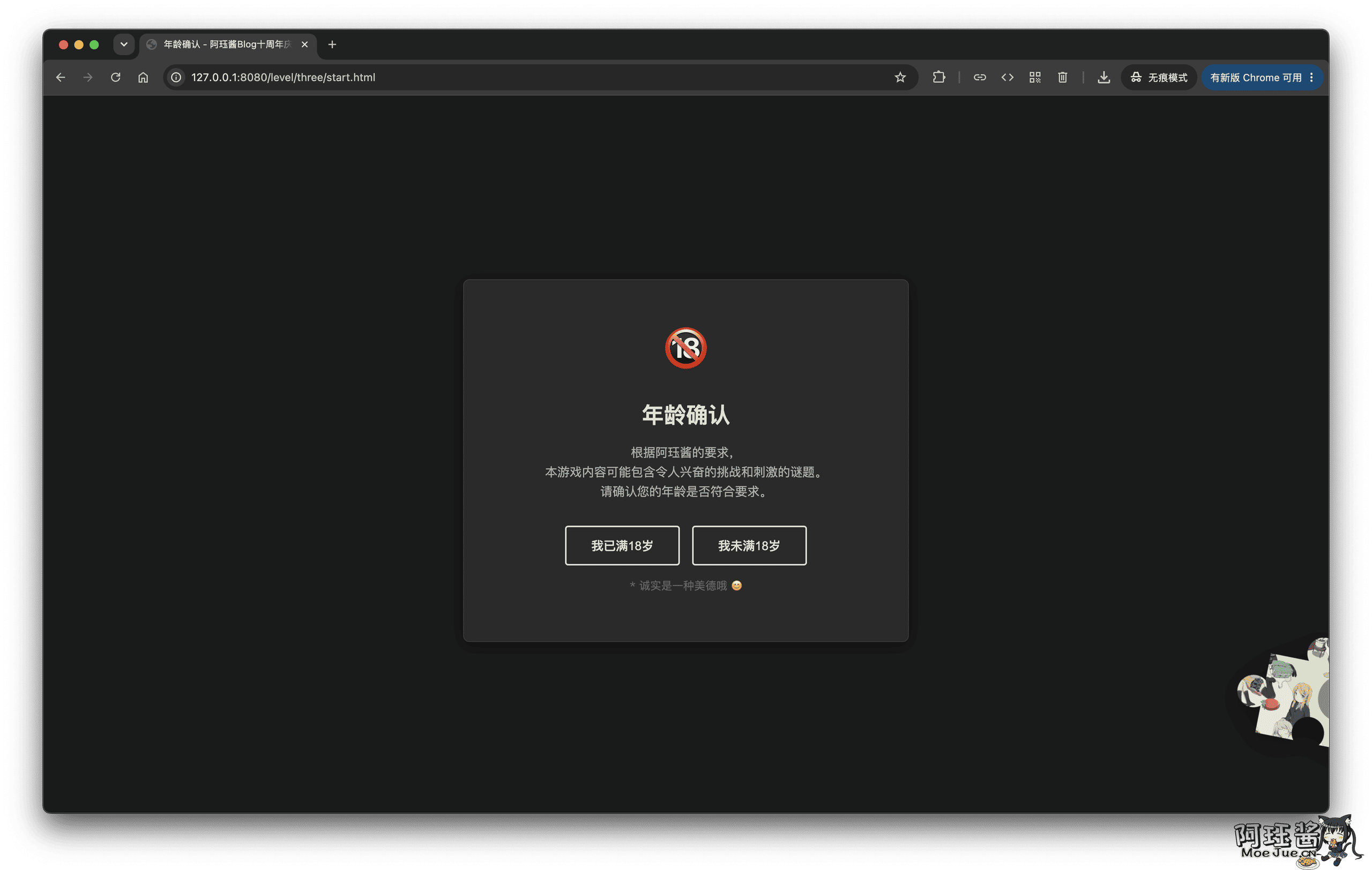
The age confirmation is just to enter different plots and images, but what is really important is the dialogue content behind. The dialogue in this level is quite long, mixed with a lot of seemingly useless daily chatter, so it is easy to start skipping.
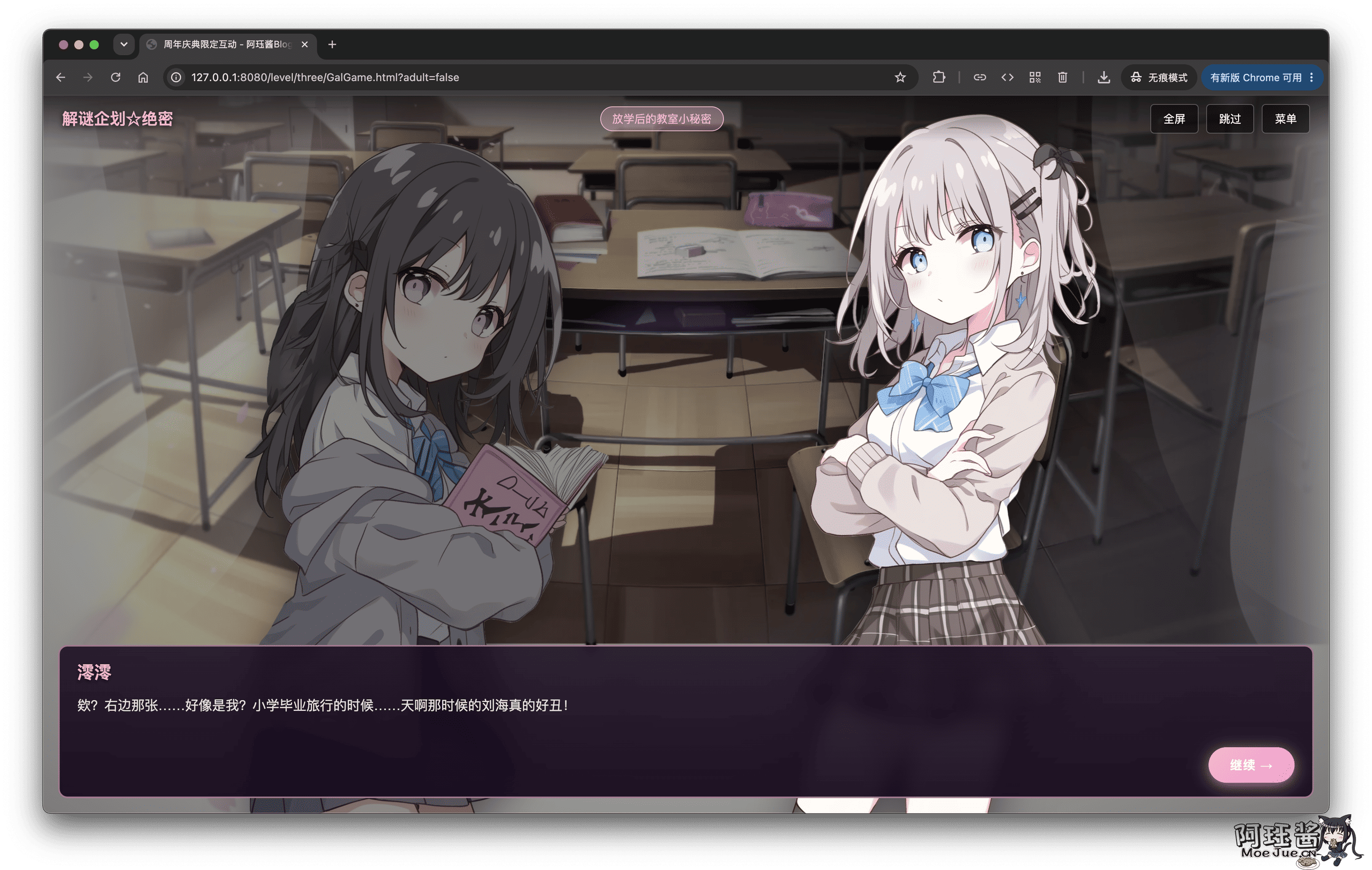
It is recommended to read the dialogue in full, as it contains at least these clear hints:
- Mentioning
md5and two photos that look different, corresponding to the Find Differences level. - Mentioning “a transparent image made of pure white and pure black,” corresponding to the Light and Dark Mode level.
- Mentioning scanning photos left and right, corresponding to the QR Code level.
- Mentioning a six-digit safe deposit box, corresponding to the final password combination.
Hiding clues in a large amount of daily dialogue is mainly to test everyone’s patience and information extraction ability. Not every sentence is useful, but the truly useful ones will basically be realized in the later levels.
ps: The number 373520 in the plot is a decoy
Level 3.1: Side Game: Guess Number
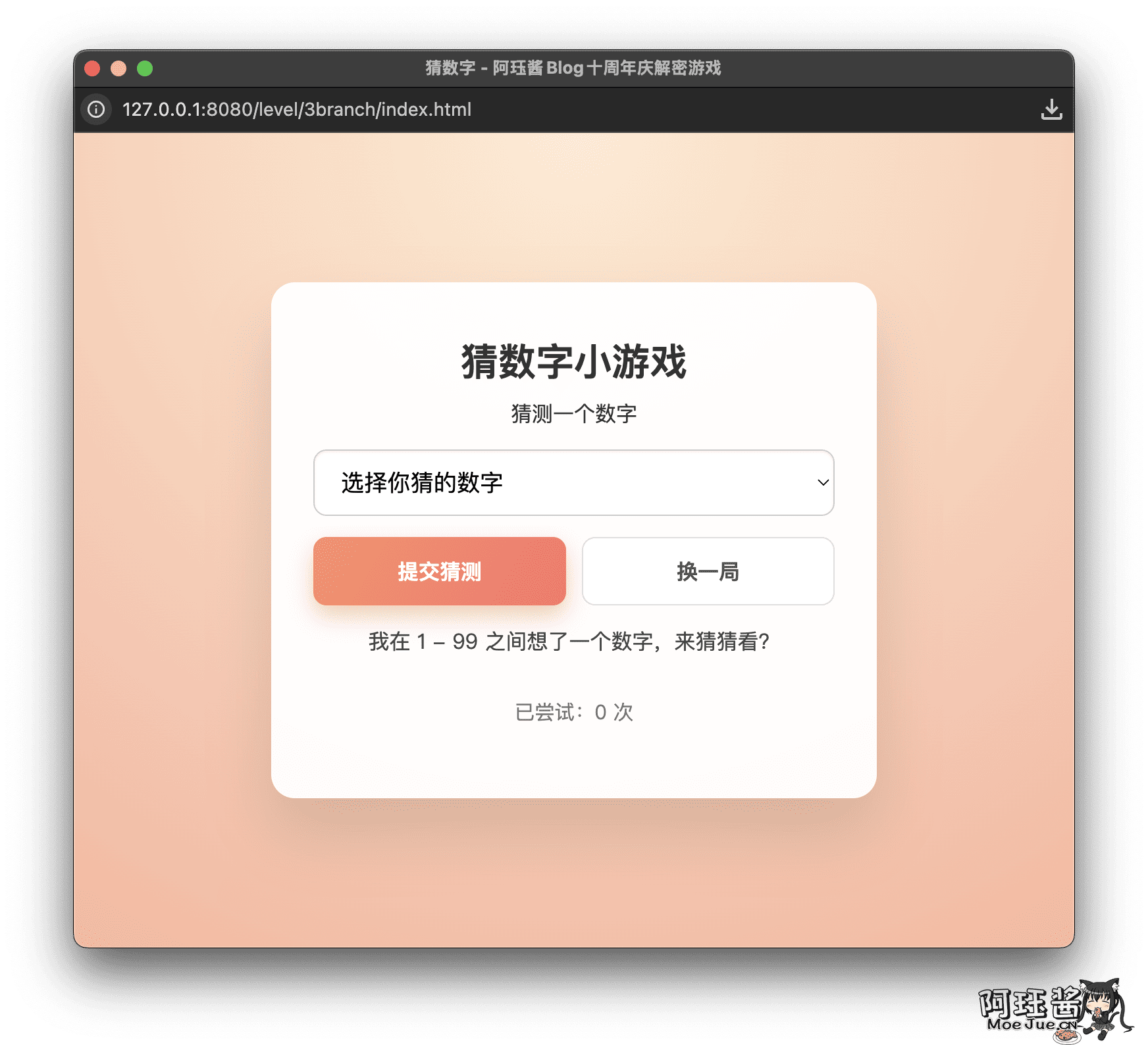
The side mini-game randomly generates a number between 1 and 99, and the dropdown options on the page will also be shuffled after the operation, deliberately making the selection process a bit烦人.
There is no fixed answer here; you can only guess slowly based on the hints “too big” or “too small.” After guessing correctly, this number will be saved as part of the final password.
Level 4: The Mysterious Dual QR Code
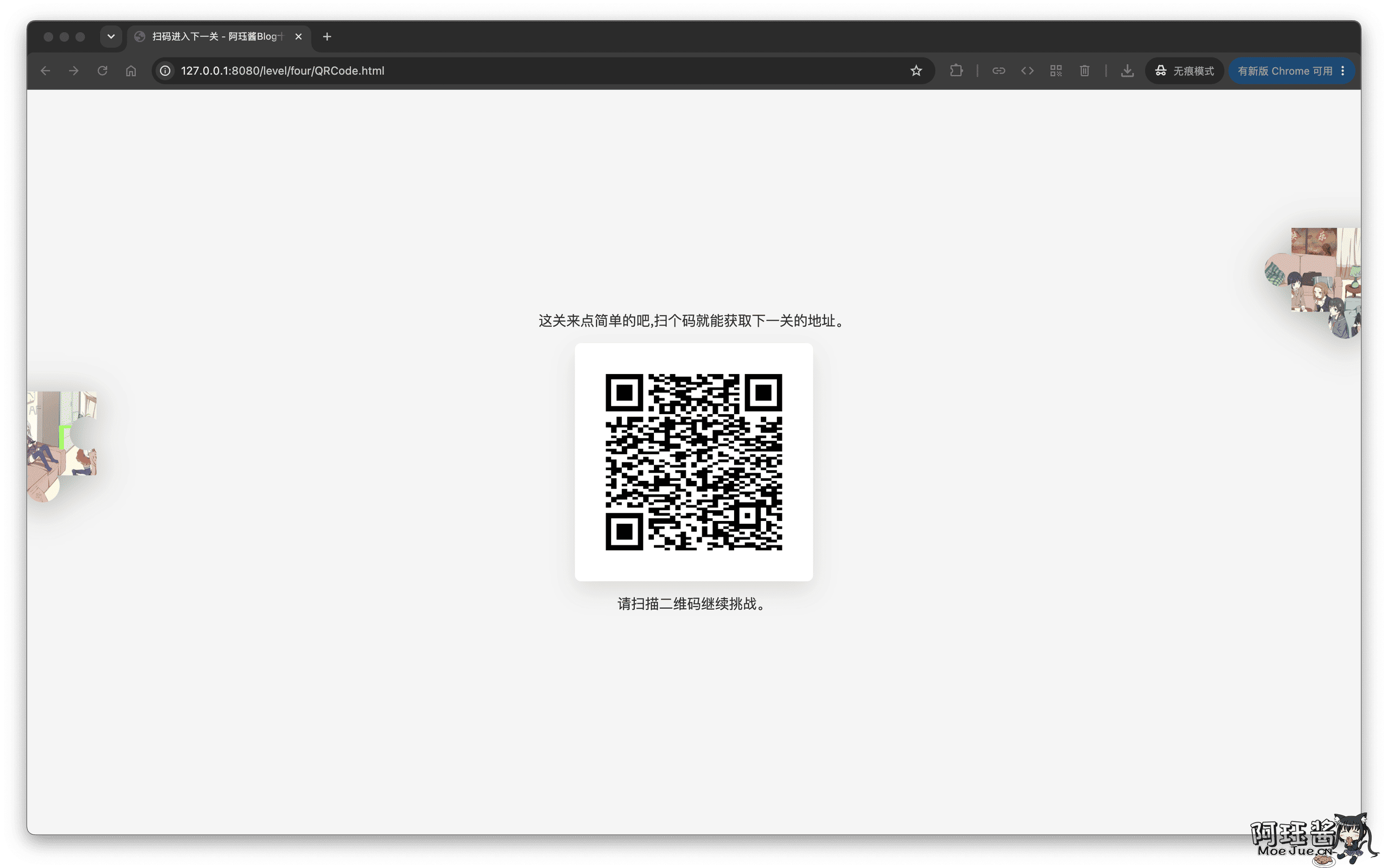
After arriving at the QR code page, scan it with a mobile phone or computer QR code tool.
But the key is here; this is a QR code that contains two results.
You need to understand the QR code algorithm, and scanning the QR code from different directions will yield different results
The scanning result will give you the address of the next level and a password. The images floating on the sides of the page are the puzzle fragments that need to be collected.
Level 5: Both Images Are Actually Kotori Kazahara
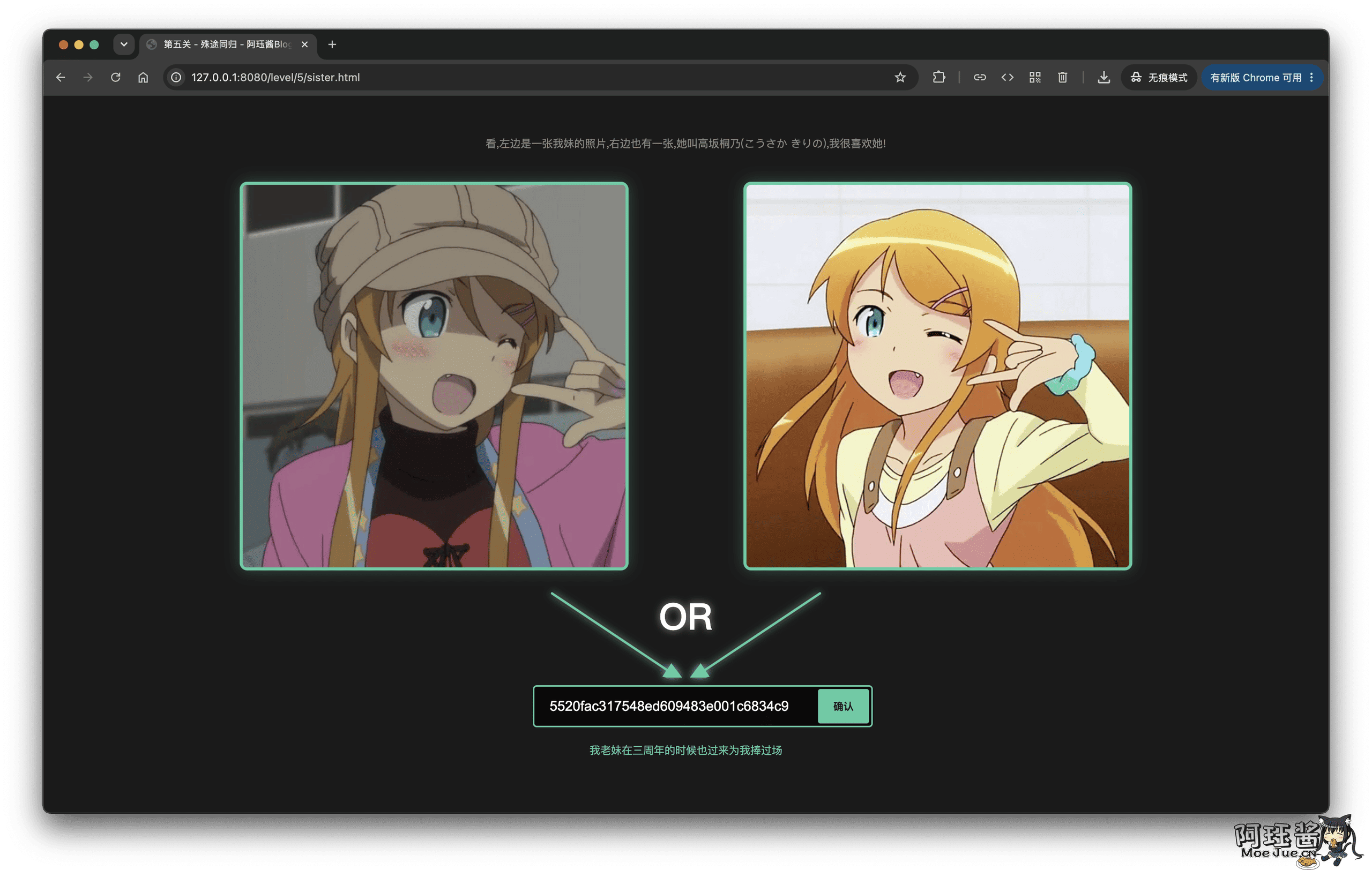
There are two different style Kotori Kazahara images on the page, and the question asks for the common point between the two images. The answer is actually the same character: Kotori Kazahara. On the surface, it is to recognize the character, but in fact, the MD5 value is submitted (who would have thought that MD5 can be repeated).
Level 6: Album, Light and Dark Mode, and Cookie
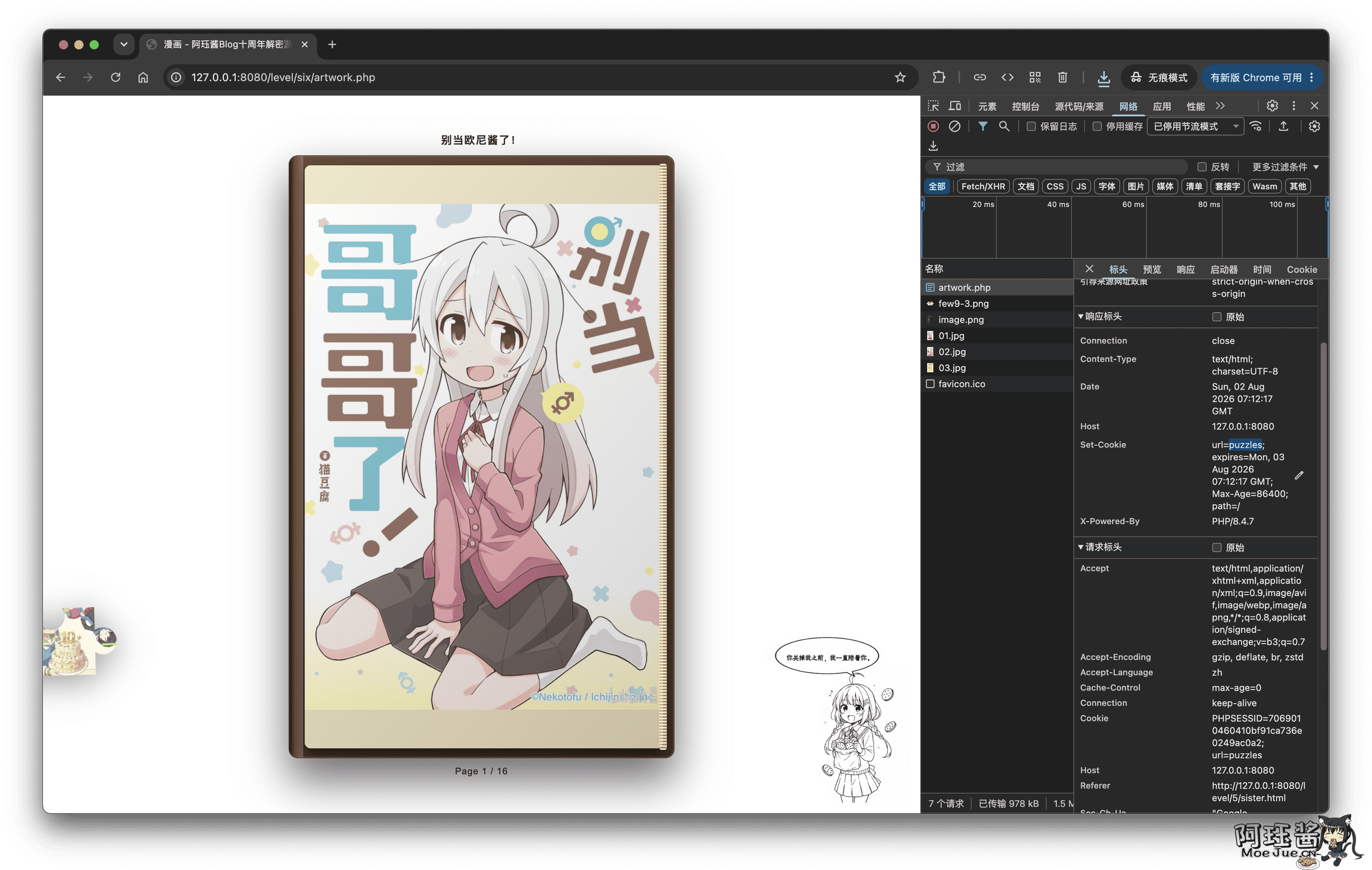
This level is superficially a flipable comic album, and the decorations on the left and right corners will change with the light and dark mode. The key is not to read the comic completely, but to pay attention to the page prompts and switch the browser’s dark and light modes.
You will get a riddle: “I don’t live on the server, nor in your heart. ‘‘I have been with you until you turn me off.’’
Then open the Application or Storage in the developer tools and check the current site’s Cookies. There will be:
url=puzzles
Combine it into the path for the next level:
/level/puzzles/index.html
Level 7: Put Together All the Fragments Collected Along the Way
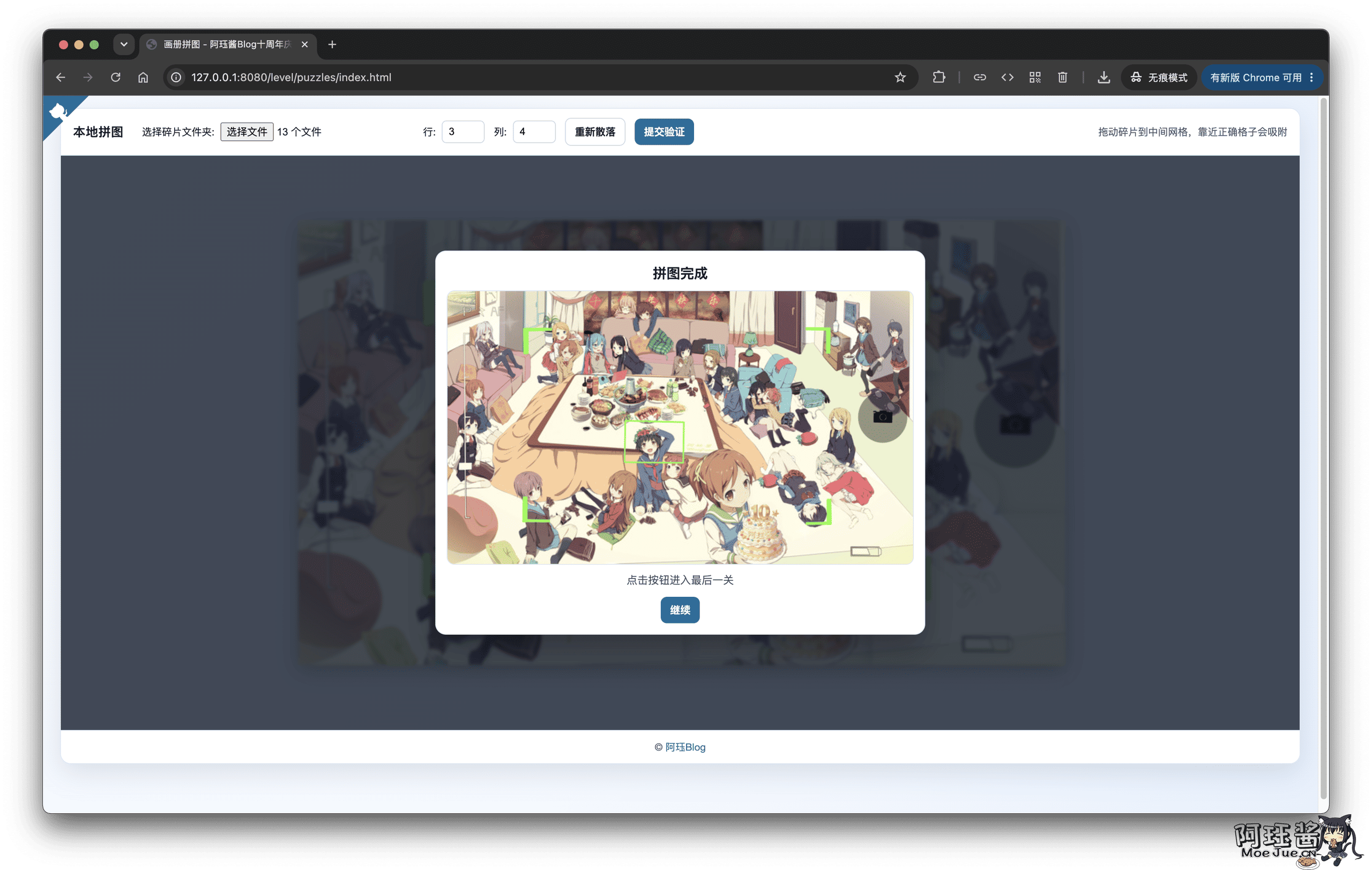
The puzzle page requires you to select the local fragment folder, collect all the fragments obtained from the previous levels, and drag them to the middle grid after selecting the folder.
This step is not just to make the front-end look correct; the page will also calculate the SHA-256 of each image file and then verify the order with the server, so just taking a similar image to replace it will not pass.
After successfully completing the puzzle, you will enter the final safe deposit box.
The Final Level: Safe Deposit Box
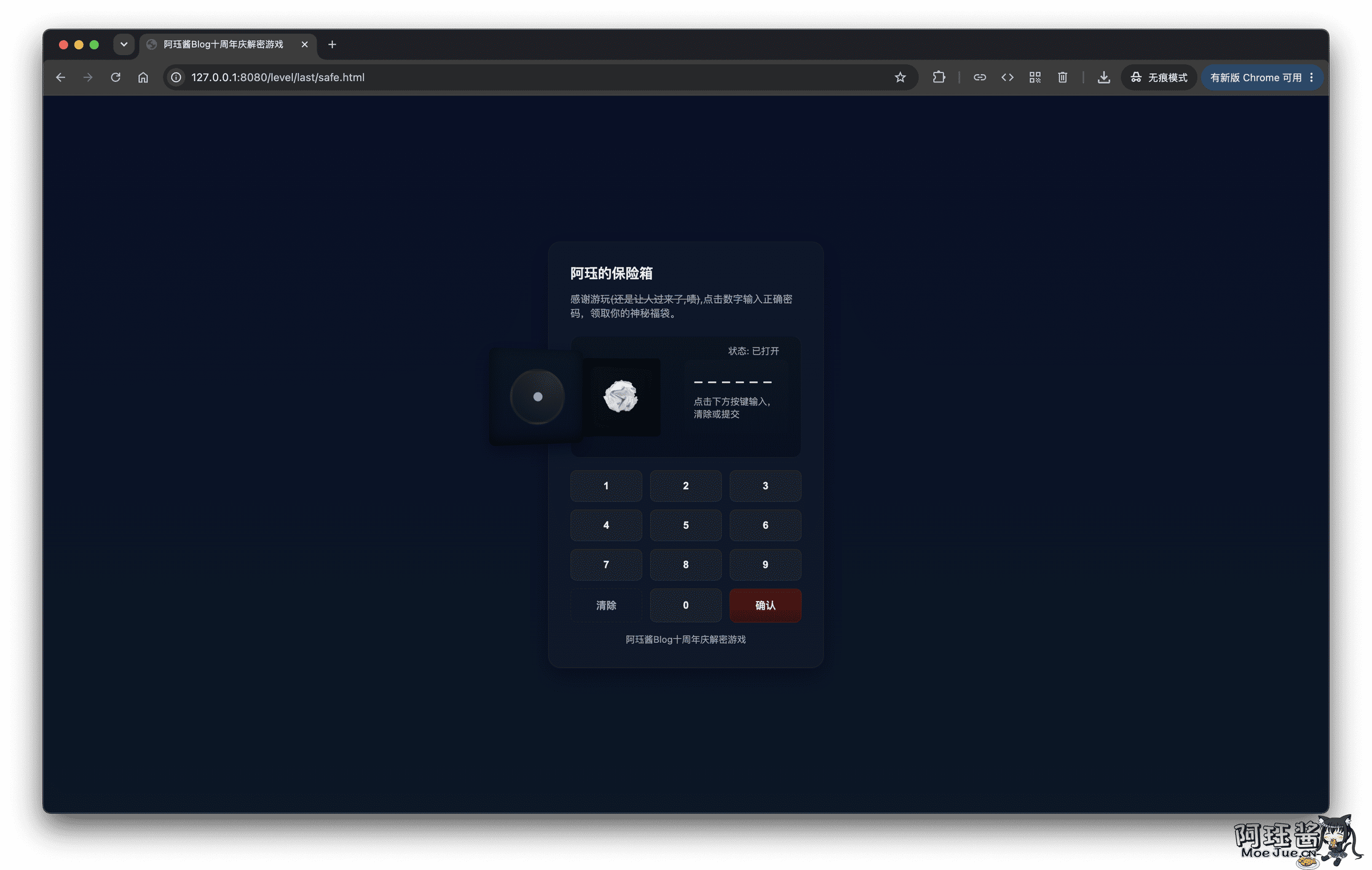
The final password is not a fixed answer that everyone has, but a dynamic one that is pieced together along the current session. This design is to avoid everyone copying a fixed answer directly and to make the clues collected in the previous levels truly connect:
Two dynamic digits saved during the login stage + Guess Number answer + 69
The two digits saved during the login stage come from the browser fingerprint, the answer to the Guess Number level is randomly generated, and the final 69 is from the QR code.
After opening the safe deposit box, click the paper ball inside, and you will enter the final thank you page (very considerate to use your login username) and generate a coupon code.
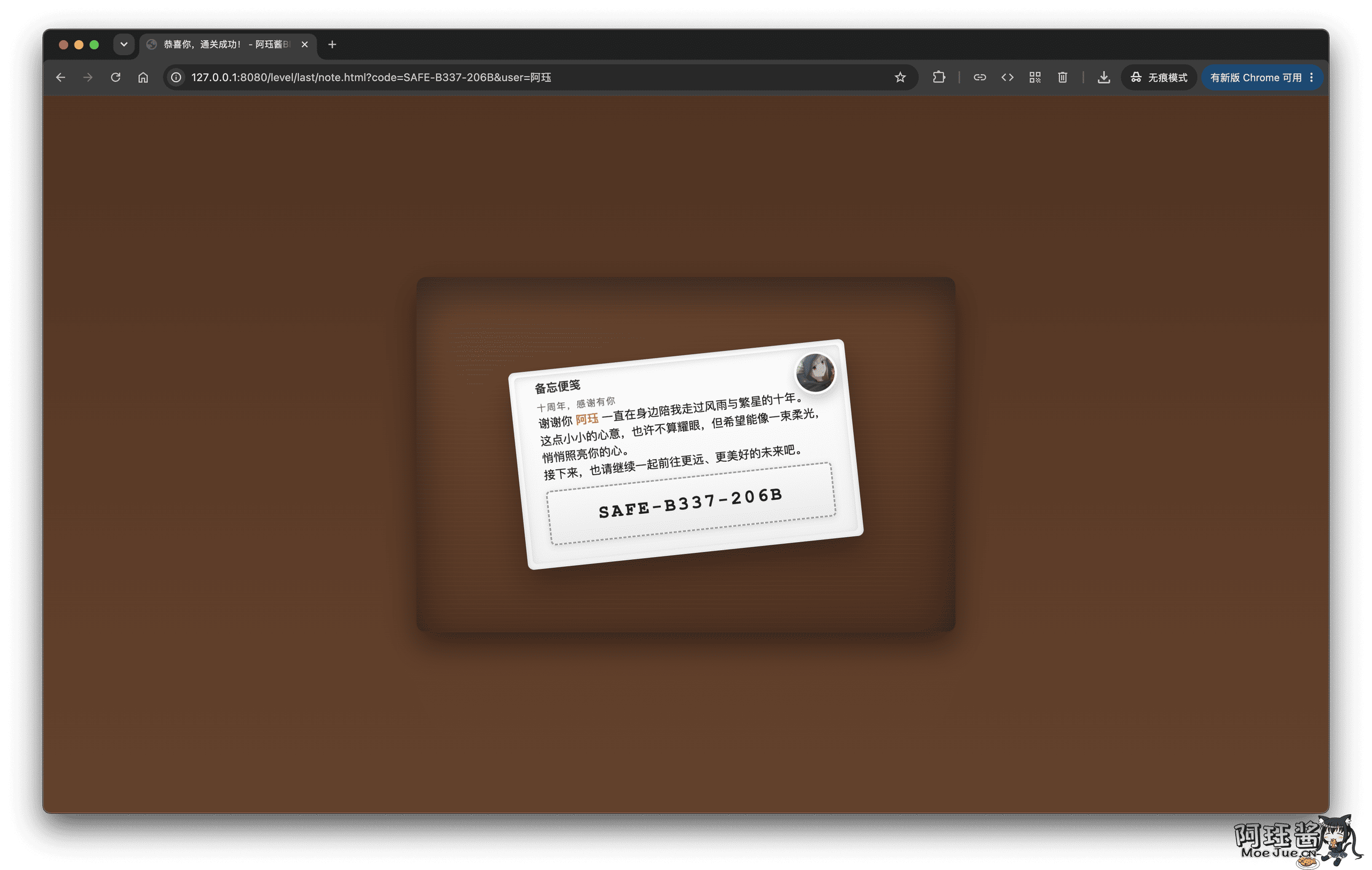
Alright, take your redemption code and exchange for your own lucky bag.
In Conclusion
The levels of this event were not deliberately designed to be particularly professional in cryptography, but more to use the strange things I encounter while browsing the web as props.
Each level is not difficult to see individually, but when they are strung together, the players need to keep changing their thinking. One level is still adjusting the image, the next level is to look at the console, and the next level is to decompress the PDF, and finally, you also need to remember to save all the collected fragments.
The code and materials have been publicly released, welcome to learn, modify, or make your own web decryption game:
iAJue/MoeJueBlogAnniversaryGames
The project is implemented using HTML, CSS, native JavaScript, and PHP without using large frameworks. If you want to see how a specific level is implemented, directly viewing the source code will be clearer than reading this article.